Privacy when sharing workouts with friends
Rally team · · 3 min read
Before sharing a workout, decide who needs to see it and which details they need. If your group only wants to know who worked out, the activity type and duration may be enough. Check the record inside the app, the preview of any image and access to any link you plan to send separately.
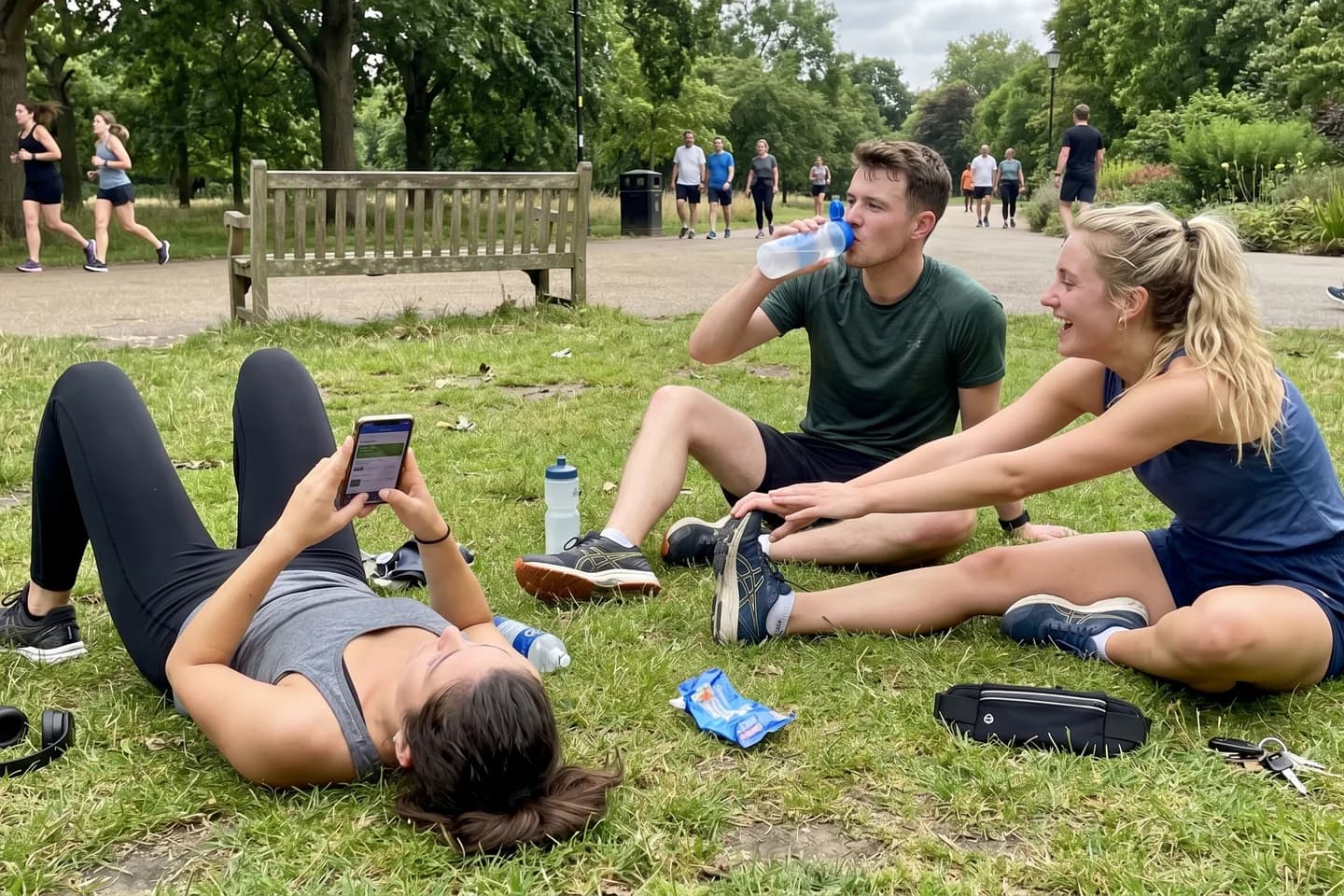
Decide who should see each detail
You may want to keep every set in your own history. For a weekly challenge, the group might only need to know what you did and when the session counts. If you plan to post on social media, prepare a separate version and check what might identify other people.
Use these questions before choosing a format. Controls depend on the app and how you share.
Swipe across the table to read all columns.
| Format | What to check | If it shows too much |
|---|---|---|
| Record inside the group | Who can open the activity and see its details | Share a summary in the channel you agreed on |
| Screenshot or card image | Names, photos, maps and details in the final image | Prepare a different image or send text only |
| Link to a page | Whether sign-in is required and someone outside the group can open it | Choose a format with the access you want |
Look at the photo and map as a recipient would
A gym photo can show another person, their name on a screen or where they train. If you want to support each other without photos, agree that a text record counts. Before including someone in an image, ask if they are comfortable sharing it with that audience.
For an activity recorded with GPS, check whether it shows the start, finish or a pattern of times you would rather keep to yourself. Strava documents separate controls for the activity audience and map visibility. It also explains that hiding part of a map there does not carry that setting to other services. Check what each export or screenshot actually shows.
In Rally, distinguish the group from a link to a card
Rally’s policy explains that anyone with a shared card link can view it on the web. Depending on the card, the preview may show a name, a photo or ranking details about other people. Check the preview before sending it, even if you only plan to send it to the group chat.
If you want the summary to stay among participants, agree on what they will see inside the group and avoid creating a public link for that summary. A recipient can forward a link or save an image. Even if a page later becomes unavailable, saved copies can still circulate.
A short agreement to try before your next workout
Use a fictional example to check the recipient’s view before sharing a real record. If the example shows more than you need, change the format or audience and check again.
“Details: [activity type and duration]. Destination: [agreed group or chat]. Photos: [optional, with the agreement of anyone pictured]. Before forwarding outside the group, we’ll ask again.”
If you want to keep a more detailed history, the printable tracker helps you keep your own notes separate from what you share. If you already shared more than you intended, review access on the service where it was posted and ask recipients not to forward it.
Sources and editorial approach
Official sources reviewed on November 4, 2026. Features and conditions can change. Rally publishes this content and develops one of the apps mentioned.